

User guide
For the people who upload, review and share footage in Shotstash.
This guide is for everyone who works in Shotstash day to day: uploading footage, finding it again, reviewing it and handing it to a client. Setting up the server is covered in the Quick start.
The idea in one paragraph
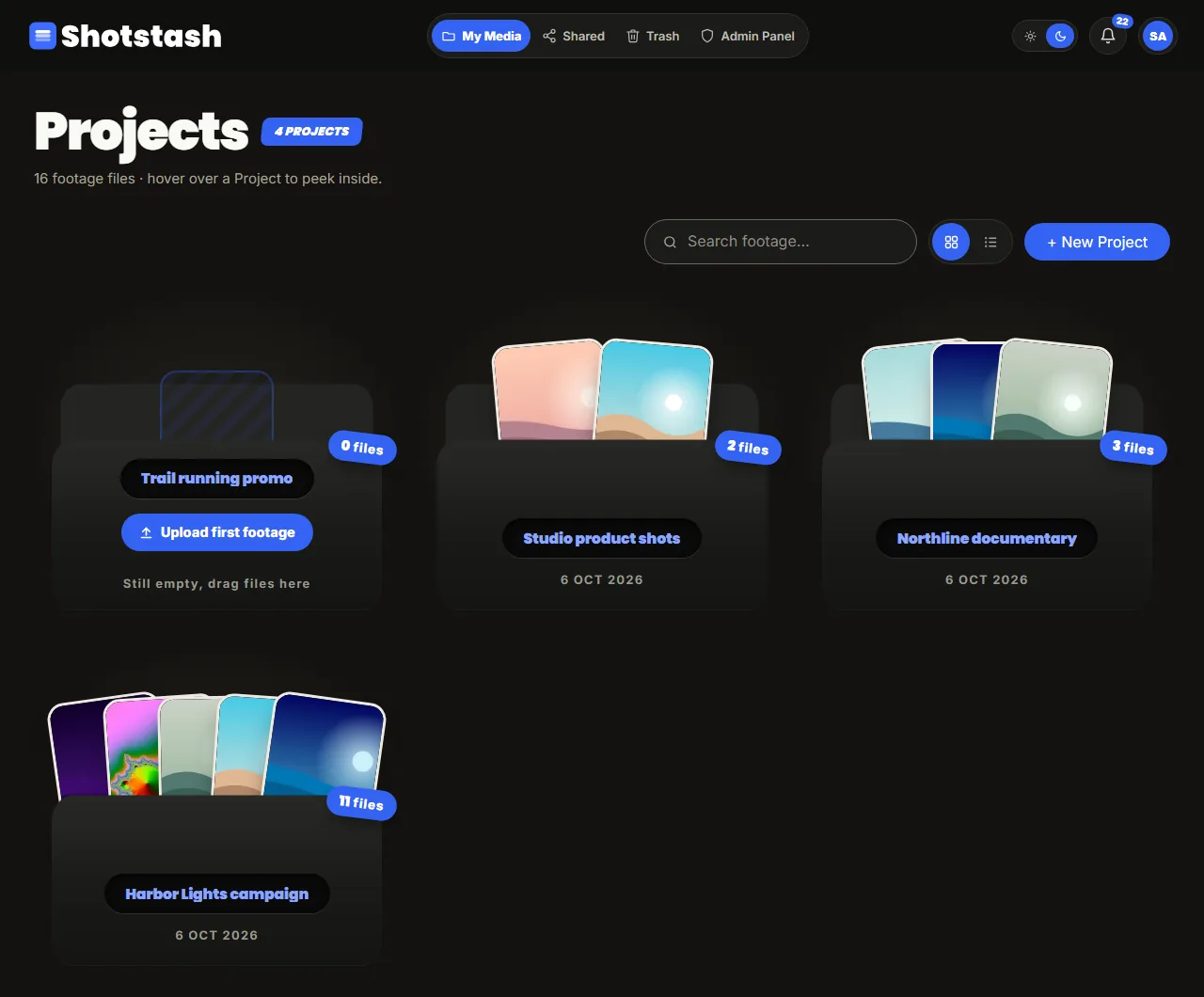
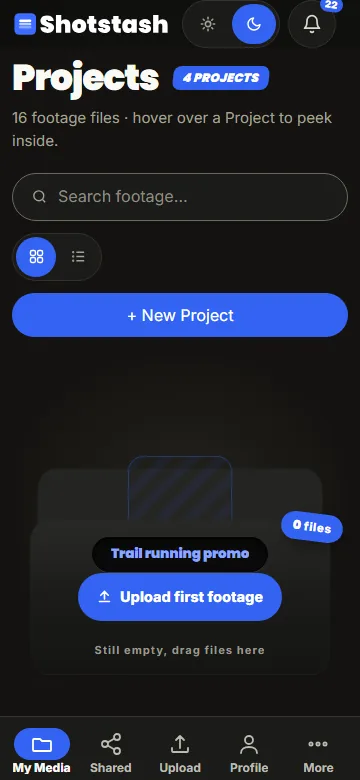
Work is organised in projects (a campaign, a documentary, a shoot). A project has sections (Day 1 footage, Selects, Stills, Deliverables) and sections hold files. You upload into a section, open files in the viewer, talk about them in the project's discussion, and send a share link to people outside your team. What you may do depends on your role.
Pages in this guide
Projects and sections
Uploading
The viewer
Sharing
Roles
Discussion
Processing jobs
Signing in
Open the address your administrator gave you and sign in with your email and password (or Google, when your installation offers it). A new account may wait for approval first; you see a waiting screen until an admin approves it. Forgot your password? Use Forgot password on the sign-in page when your installation sends email.
About these screenshots
Every screenshot in this guide comes from a test instance filled with generated images and clips and invented names. None of it is real footage or a real person.