

Discussion
Talk about a project next to its files, mention people and follow notifications.
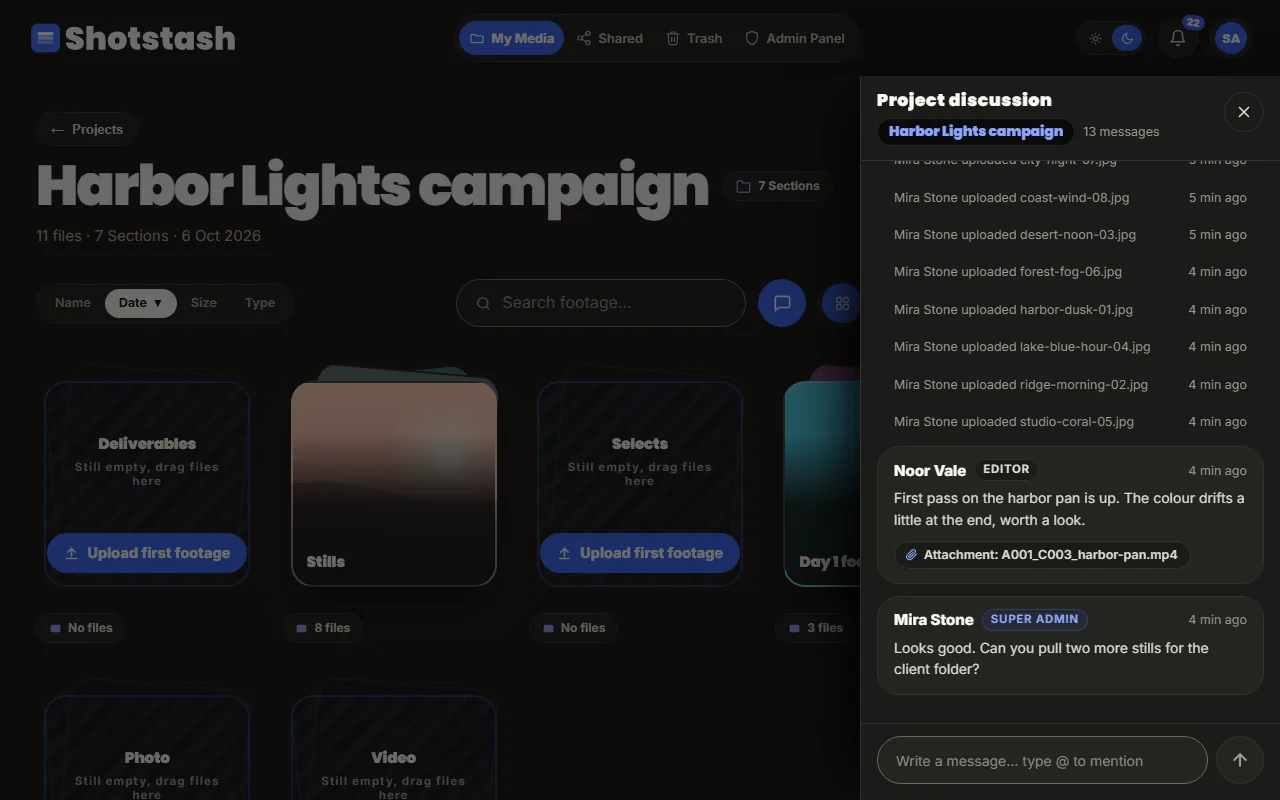
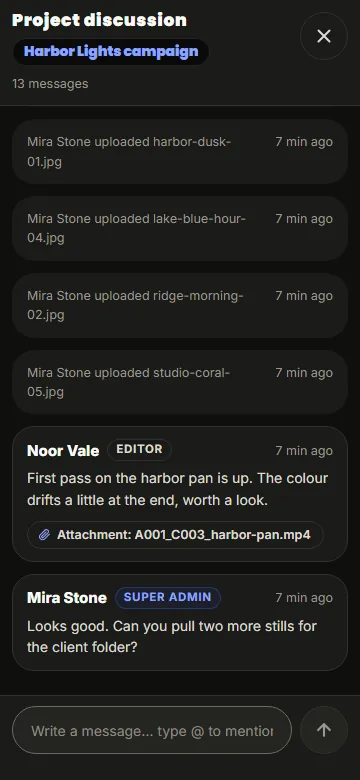
Every project has a discussion: open it with the chat button next to the search field. Messages appear for everyone in the project as they are sent, without reloading.
Mentions
Type @ and the start of a name to mention someone. The list only offers people who can see the project. A mentioned person gets a notification (the bell in the top bar) that opens the project.
Referring to a file
A message can point at a file, for example "the colour drifts at the end" about one clip. The attachment opens that file.
Activity
The discussion also shows what happened in the project, such as uploads, so the conversation and the work stay in one place.
Turning it off
An administrator can switch discussions off for the whole installation (SHOTSTASH_FEATURE_DISCUSSION=false). The chat button then disappears; nothing is deleted, and switching it back on brings the messages back.