

The viewer
Look at photos and play video at their real aspect ratio, read the details and download.
Click a file to open it in the viewer. Photos and videos keep their real shape: a vertical phone video is shown vertical, not cropped into a landscape box.
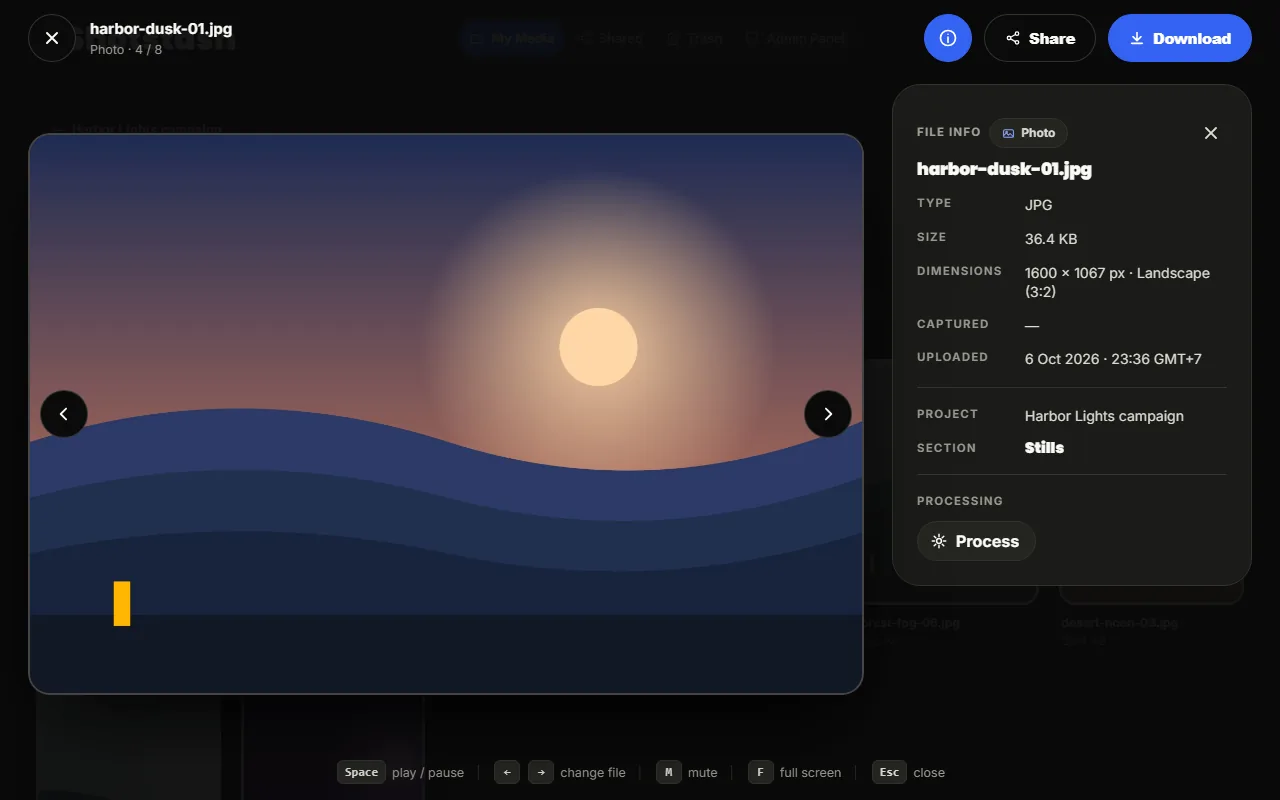
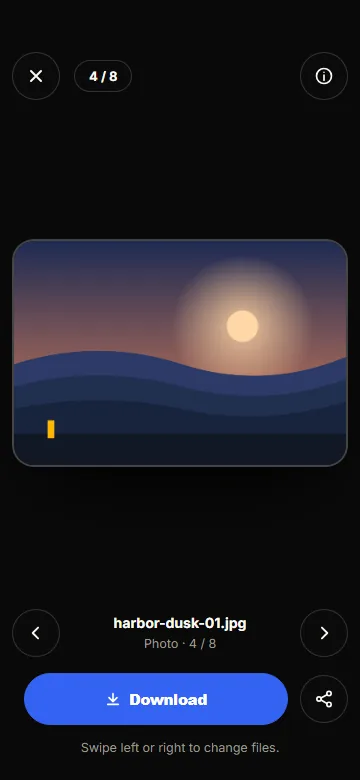
Moving around
| Action | Keyboard | Phone |
|---|---|---|
| Next or previous file | Right and Left arrows | swipe, or the arrows |
| Play or pause a video | Space | tap the video |
| Mute | M | the speaker button |
| Full screen | F | the full screen button |
| Close | Esc | the close button |
File details
The info button opens the details panel: type, size, dimensions and orientation, duration for videos, when it was uploaded, and the project and section it belongs to. On a phone the panel slides up from the bottom; Show all info expands it.
The panel also lists the file's versions, such as a 720p proxy made by a processing job. Play a version in the viewer or download it.
Downloading and sharing
Download saves the original file, exactly as it was uploaded. Share creates a link to this file for people outside your team; see Sharing. To download several files at once, select them in the section and choose Download ZIP.