

Roles
What each role may do, and how accounts are approved.
Every account has one role. The same rules apply in the app and in the API, so a button you cannot use is also refused by the server.
| What | Super admin | Admin | Crew | Editor | Viewer |
|---|---|---|---|---|---|
| See projects, view and download files | yes | yes | yes | yes | yes |
| Take part in discussions | yes | yes | yes | yes | yes |
| Upload, create sections, move, rename | yes | yes | yes | yes | |
| Create share links | yes | yes | yes | yes | |
| Move items to the Trash | yes | yes | yes | yes | |
| Queue processing jobs | yes | yes | yes | ||
| Delete for good, manage every share link | yes | yes | |||
| Manage users and approve sign-ups | yes | yes | |||
| Configure the installation, see the status page and workers | yes |
All signed-in accounts see every project; there is no per-project membership yet.
Managing people
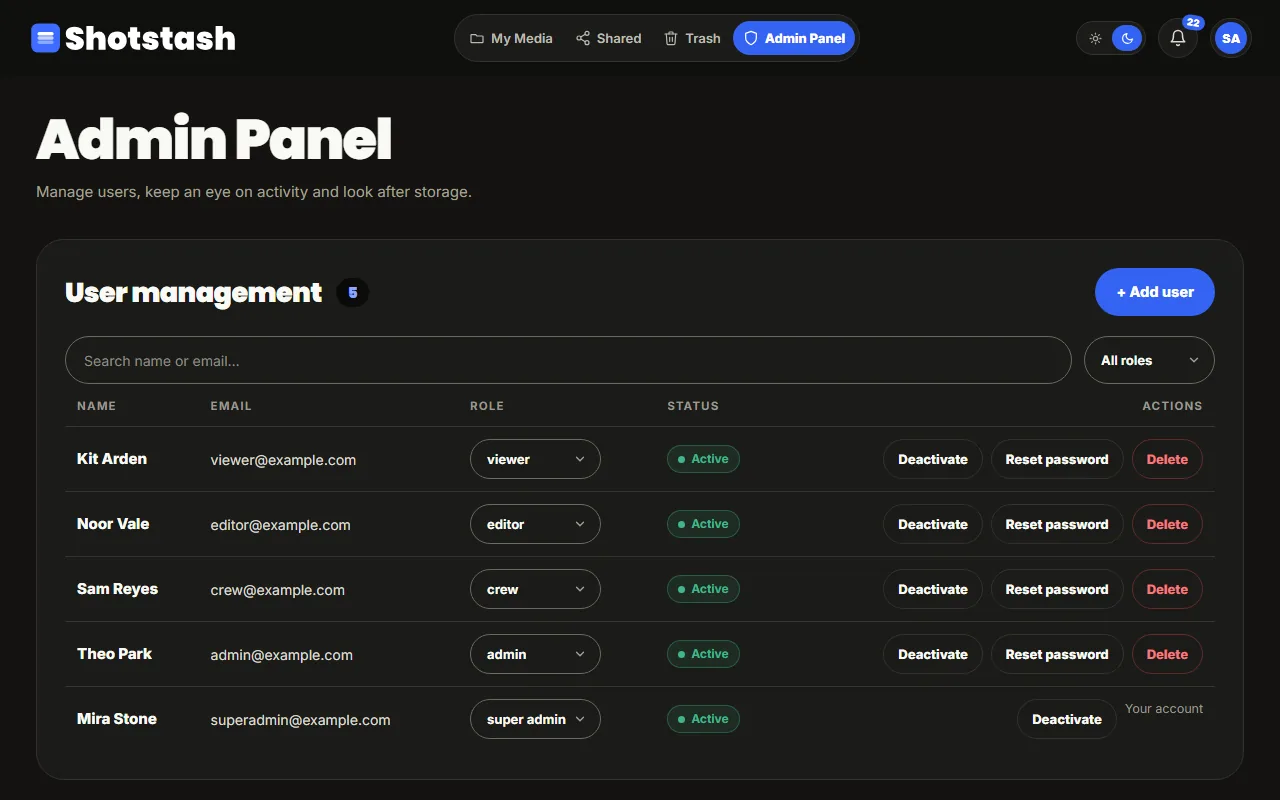
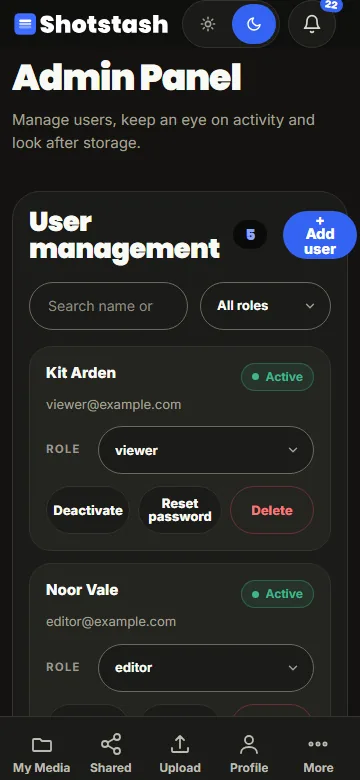
Admins open Admin Panel, User management to add accounts, change roles, reset passwords, and deactivate or delete accounts. A read-only admin, such as the demo admin, opens the same panel to look: every control is there but switched off.
Sign-up and approval
When sign-up is open, a new account waits for approval: the person sees a waiting screen until an admin approves (or rejects) the request in the Admin Panel. Accounts that an admin adds are active at once.
The first account
The person who completes the first-run setup becomes the super admin. There can be more than one super admin; give the role only to people who look after the server.