

Uploading
Upload big files from the browser, resume after a dropped connection, and handle duplicates.
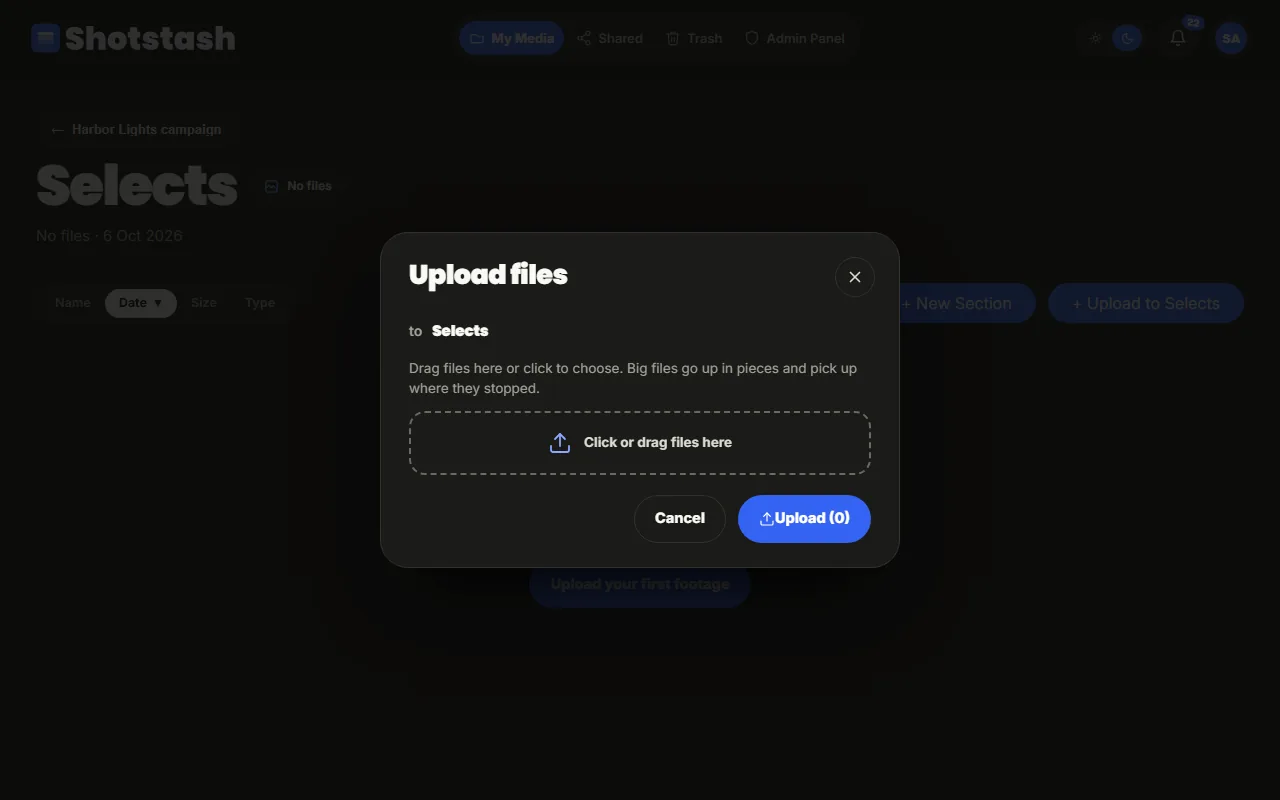
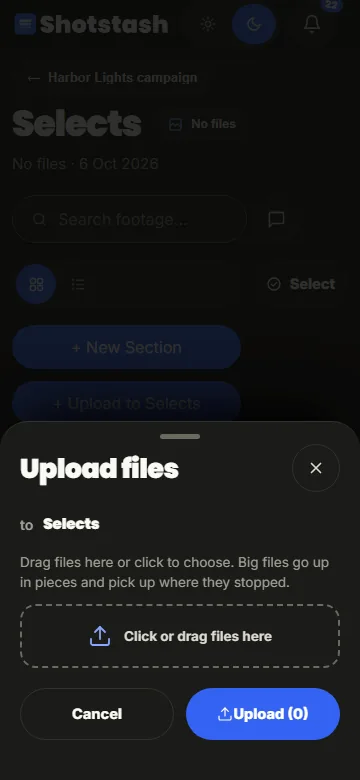
Drag files onto a section, or use Upload (on a phone, the Upload tab at the bottom). The upload dialog shows where the files go; choose files or drop them, then start the upload.
Big files and bad connections
Files are sent in parts, several at a time, and every part is checked when it arrives. If the connection drops, the upload continues where it stopped. If you reload the page or close the tab, open Shotstash again in the same browser: the upload dock lists your unfinished uploads. Choose the same files again and they continue from the last complete part; nothing has to start over. A different file with the same name is added as a new upload instead.
The upload dock at the bottom of the page shows progress per file. You can keep browsing while it runs; do not close the browser until it says the upload is done.
Duplicates
Shotstash recognises a file that is already in the project, byte for byte. Before uploading it asks what to do:
- Skip keeps the project free of copies (the usual choice);
- Upload anyway adds a second file.
The same file in another project is not a duplicate.
What happens after an upload
Photos and videos get a thumbnail within seconds. HEIC photos from phones are kept as they are and get a viewable preview. Videos may also get a smaller proxy for smooth playback, made by a processing job.
Who can upload
Everyone except viewers. See Roles.